The Vendor Portal
The Vendor Portal gives your suppliers a single place to do business with you — respond to an RFQ, acknowledge a PO, send an ASN, and watch a GRN, invoice and payment move without a phone call. Code VP. It is the supplier-facing front of Procure-to-Pay, and one of three Compreo portals alongside the Customer and Field-Sales portals.
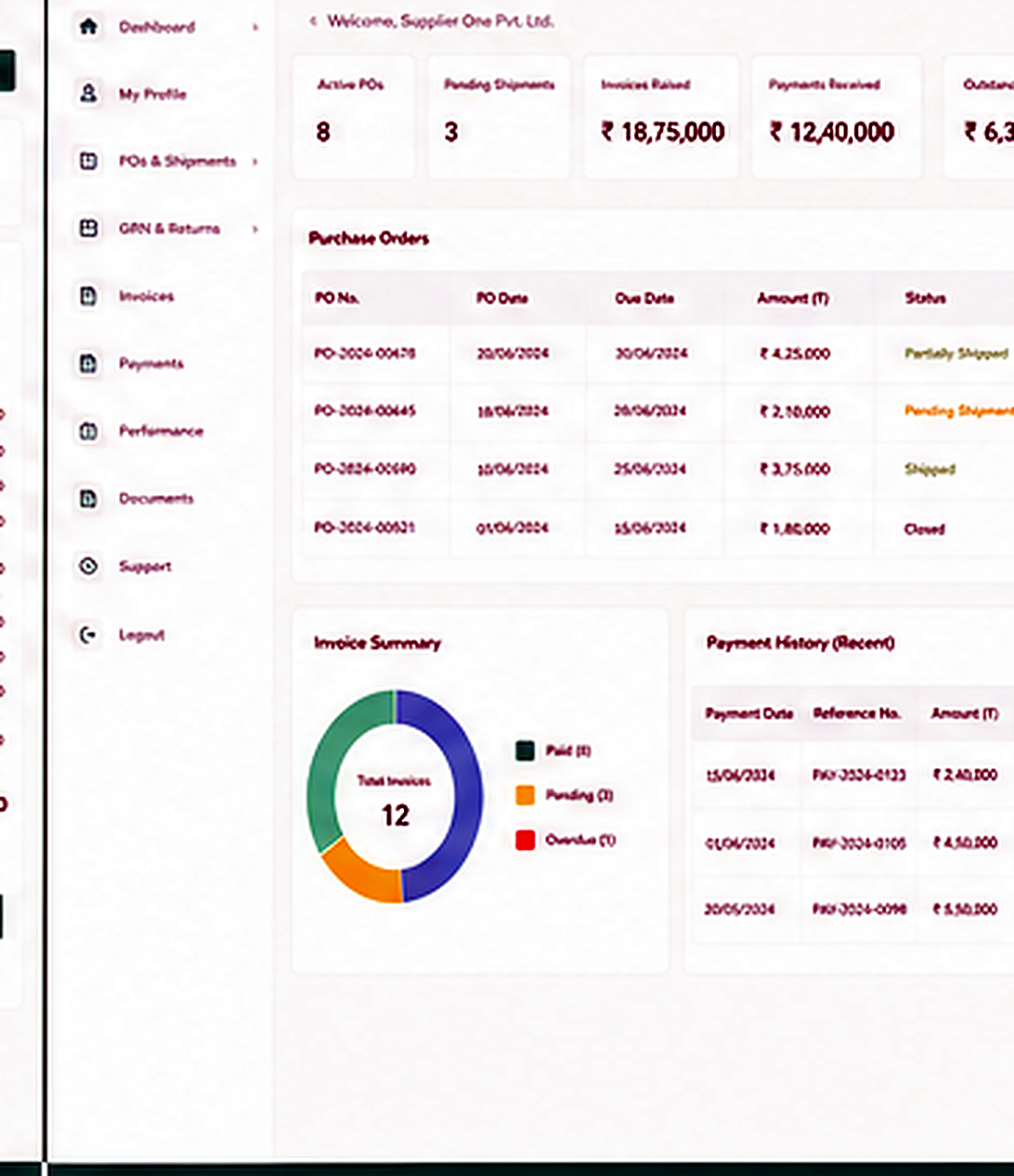
A self-service front door
for every supplier
Most procurement teams run their vendors over email and spreadsheets — quotes arrive in five different formats, a PO sits unacknowledged for a week, and finance fields the same "where is my payment" call every month.
The Vendor Portal moves all of that into one login. The vendor sees only their own documents, works against your master data — your UOM, your item codes, your terms — and every action they take lands straight in the MM transaction without re-keying.
- RFQ inbox — open enquiries, line items and required quote-by dates in one view
- Quote response — price, lead time and validity entered against your UOM and item master
- PO acknowledgment — accept, or flag a delivery or price exception, with an audit trail
- ASN — advance shipment notice before goods reach the gate
- Document status — GRN, invoice and 3-way match state, live
- Payment visibility — due dates and remittance, self-service
What the Vendor Portal handles
Respond to RFQs
Vendors quote line by line against your RFQ, in your units and item codes — so purchase compares like with like instead of reconciling five formats by hand.
Acknowledge POs
Every PO is accepted or exception-flagged on the portal, with date and user recorded. No more chasing whether the order was even seen.
Submit ASNs
Suppliers post an ASN ahead of delivery, so stores knows what is arriving and the gate and GRN are ready before the truck does.
Track GRN and invoice
The vendor watches the GRN post and the invoice clear the 3-way match — without emailing your team to ask.
See payment status
Due dates, holds and remittance advice are visible to the vendor directly, cutting the monthly volume of payment-status queries.
Work on your master data
Item codes, UOM, tax and terms come from your masters — vendor entries are clean at source, not corrected downstream.
Where the Vendor Portal participates
The Vendor Portal is the supplier side of one core flow. It hands quotes, acknowledgments and shipment notices to the buying modules and reflects their status back to the vendor in real time.
MM drives procurement — PR, RFQ, PO and GRN. FI matches the invoice and releases payment.
Procure-to-Pay
PR → RFQ → quote → PO → GRN → invoice → 3-way match → payment
See the Vendor Portal on your own suppliers.
Put your real RFQ and PO traffic in front of it and watch a quote, a GRN and a payment move end to end.